Answers when you're put on the spot
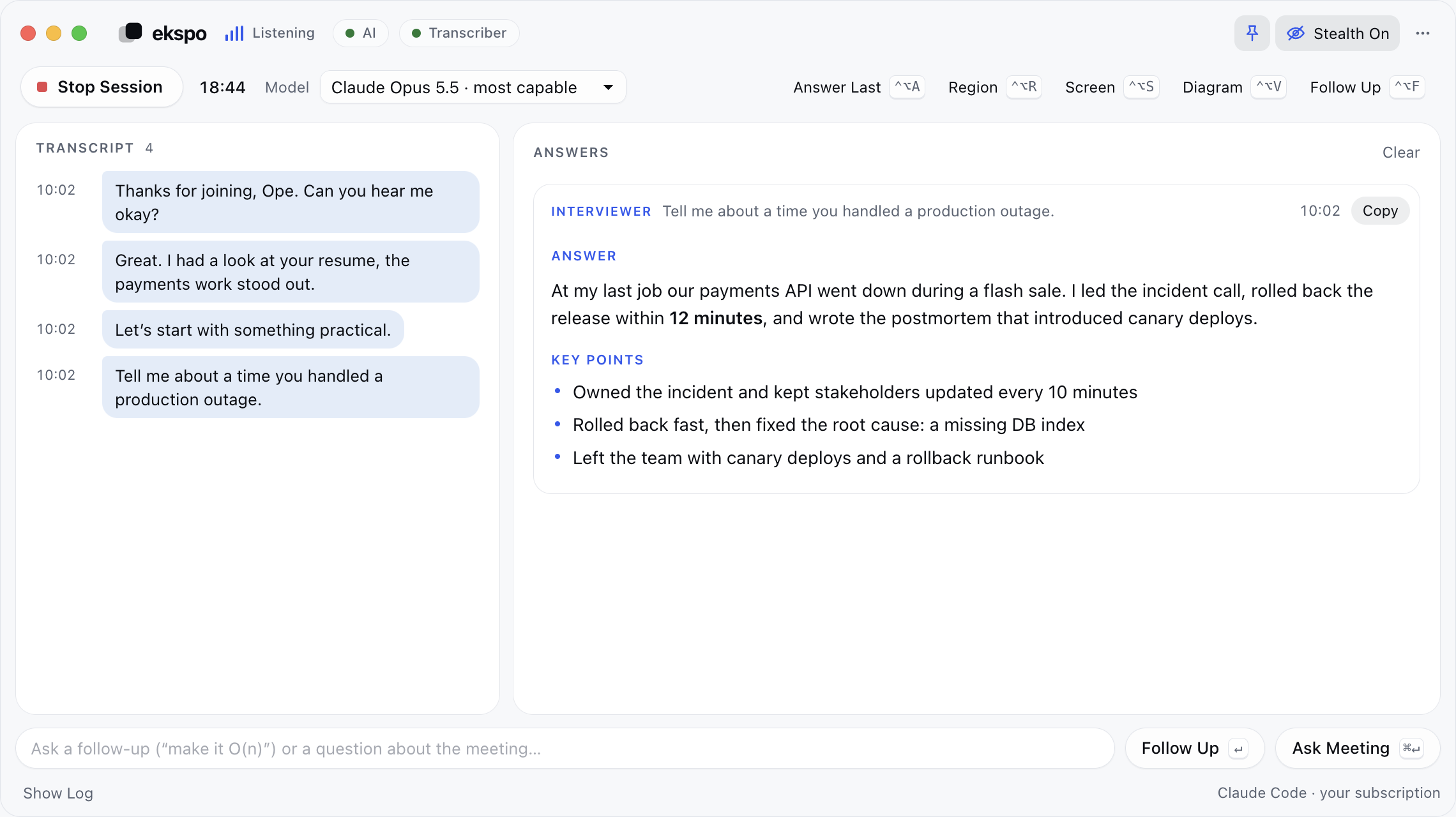
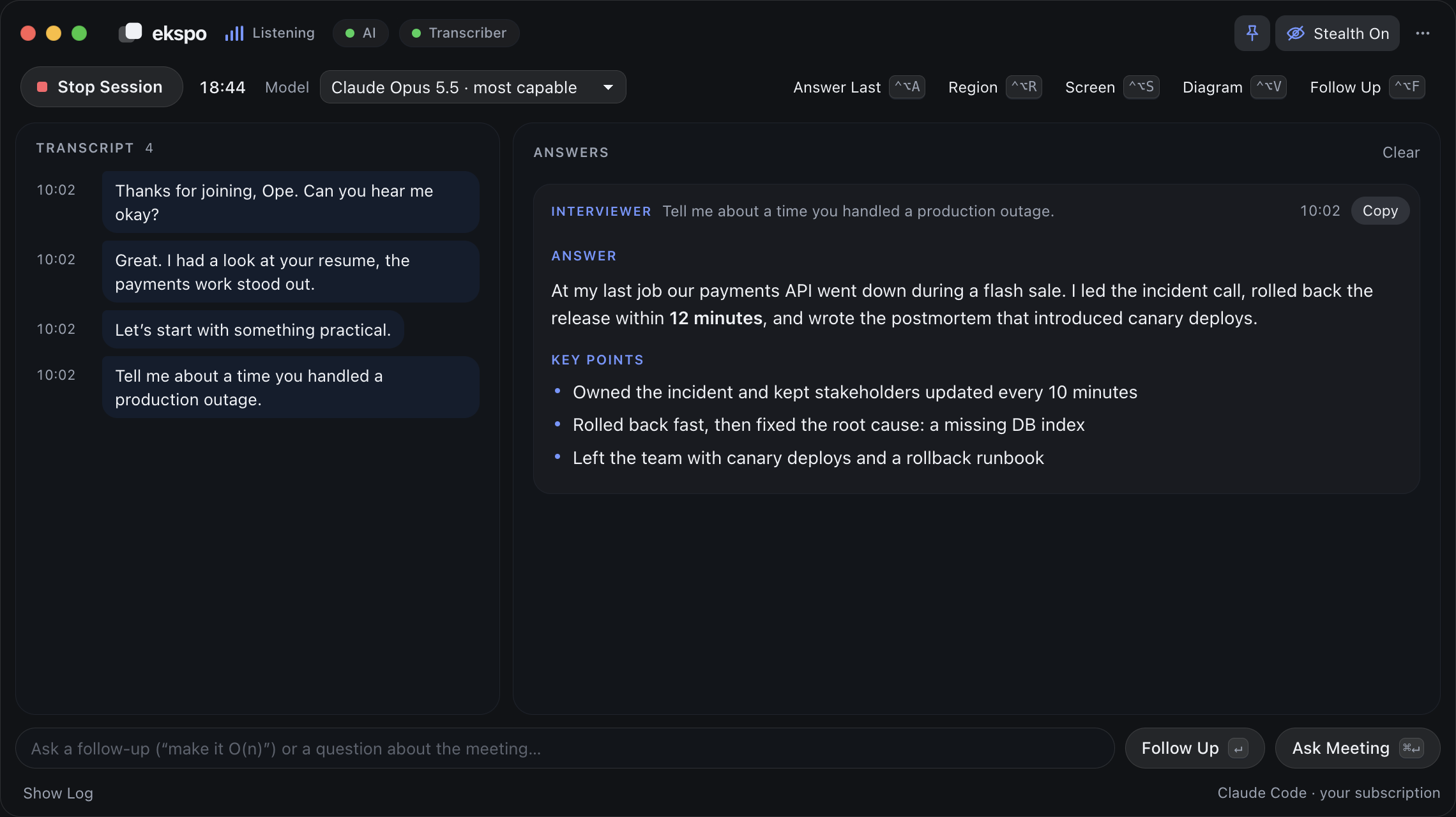
When someone asks you a question and pauses, a suggested answer starts streaming in a second or two later. Small talk and side chatter are ignored.
Ekspo sits quietly beside your call, keeps a live transcript, and suggests a clear answer the moment someone asks you a question. Written from your own profile and notes, in your own words, so you always sound prepared.
Free for a day, every feature included. macOS 13 or newer.
Works with every meeting app
Ekspo floats over your call as a small glass window. It keeps track of the conversation so you can stay focused on the people in it.
When someone asks you a question and pauses, a suggested answer starts streaming in a second or two later. Small talk and side chatter are ignored.
Type a question yourself and get a short answer written from your profile. AI answers are included in every plan: nothing else to install or sign in to besides Ekspo.
Upload your resume, paste the job description, your project notes and anything about your role. Answers only draw on what you add, in an ANSWER and KEY POINTS format you can edit.
Audio is transcribed on your computer and never uploaded. To write an answer, Ekspo sends only the question, the last few transcript lines and your profile; transcripts stay in a folder on your Mac.
Press ⌃⌥R and drag a box around a slide, a chart, a diagram or a block of code. Ekspo explains it and gives you something useful to say about it. Included in Pro.
In stealth mode the Ekspo window is left out of screen shares and recordings, so you can present your whole screen and still see your notes. Included in Pro.
Download it for macOS and sign in. The setup guide installs speech recognition for you. No Python, Homebrew or audio drivers needed.
Upload your resume, paste the job description, your notes and a few lines about your role. Answers are written from what you add here.
Join your call and click Start session. You'll see a live transcript on the left and suggested answers on the right.
Every account starts with a free day of Pro. AI answers are part of the plan, so there is nothing else to pay for or sign in to.
₦0for 1 day
₦10,000per month
₦15,000per month
Prices in Nigerian naira, billed monthly through Paystack (cards and bank transfer). You choose a plan inside the app after you sign in, and you can cancel any time from inside the app.
Ekspo is a desktop assistant for live meetings. It listens to what your computer plays, keeps a live transcript, and suggests an answer when someone asks you a question, so you can follow the conversation instead of scrambling for notes.
Any call where you're expected to speak up: team syncs, client calls, status updates, reviews, sales conversations and interviews. If people ask you questions, Ekspo helps you answer them.
All of them. Ekspo listens to your computer's audio rather than to a specific app, so Google Meet, Zoom, Teams, Webex, Slack, Discord and FaceTime all work.
macOS 13 or newer on Apple Silicon or Intel. A Windows build is listed on the download page for early testing, and a fully supported Windows release is coming.
Every new account gets one day of Pro, with every feature included, on one computer. No card is needed. When it ends, pick Standard or Pro inside the app to keep going.
You choose a plan inside the app after signing in. Payment goes through Paystack, which accepts cards and bank transfer, and plans renew monthly. You can cancel any time from inside the app and keep access until the end of the period you've paid for.
Audio is transcribed on your computer and never uploaded. Transcripts are stored only on your computer, in a folder you control. To write an answer, Ekspo sends the question or screenshot, the recent transcript lines and your profile (resume, job notes) to Ekspo's servers and to its AI provider, Anthropic. The service keeps usage counts for billing, not your transcripts.
Free for a day, every feature included. Set up in about five minutes.
macOS · Apple Silicon
M1 or newer, macOS 13+
Download dmg · 130 MBmacOS · Intel
Intel Macs, macOS 13+
Download dmg · 137 MBWindows · 64-bit
Windows 10 (2004) or 11
Download exe · 113 MBNot sure which Mac you have? Apple menu → About This Mac. macOS builds are being notarized with Apple, so the current release may show a warning the first time you open it.
If macOS blocks the app. Right-click Ekspo in Applications and choose Open, then click Open again in the dialog. You only need to do this once.
If Windows shows "Windows protected your PC", click More info, then Run anyway.
Version 1.0.6